More efficient
One login replaces ten. Pre-built templates replace custom quotes. One campaign setup serves every channel, every client.
10 → 1 tools replaced
Win more business. Make more money. Eliminate churn.
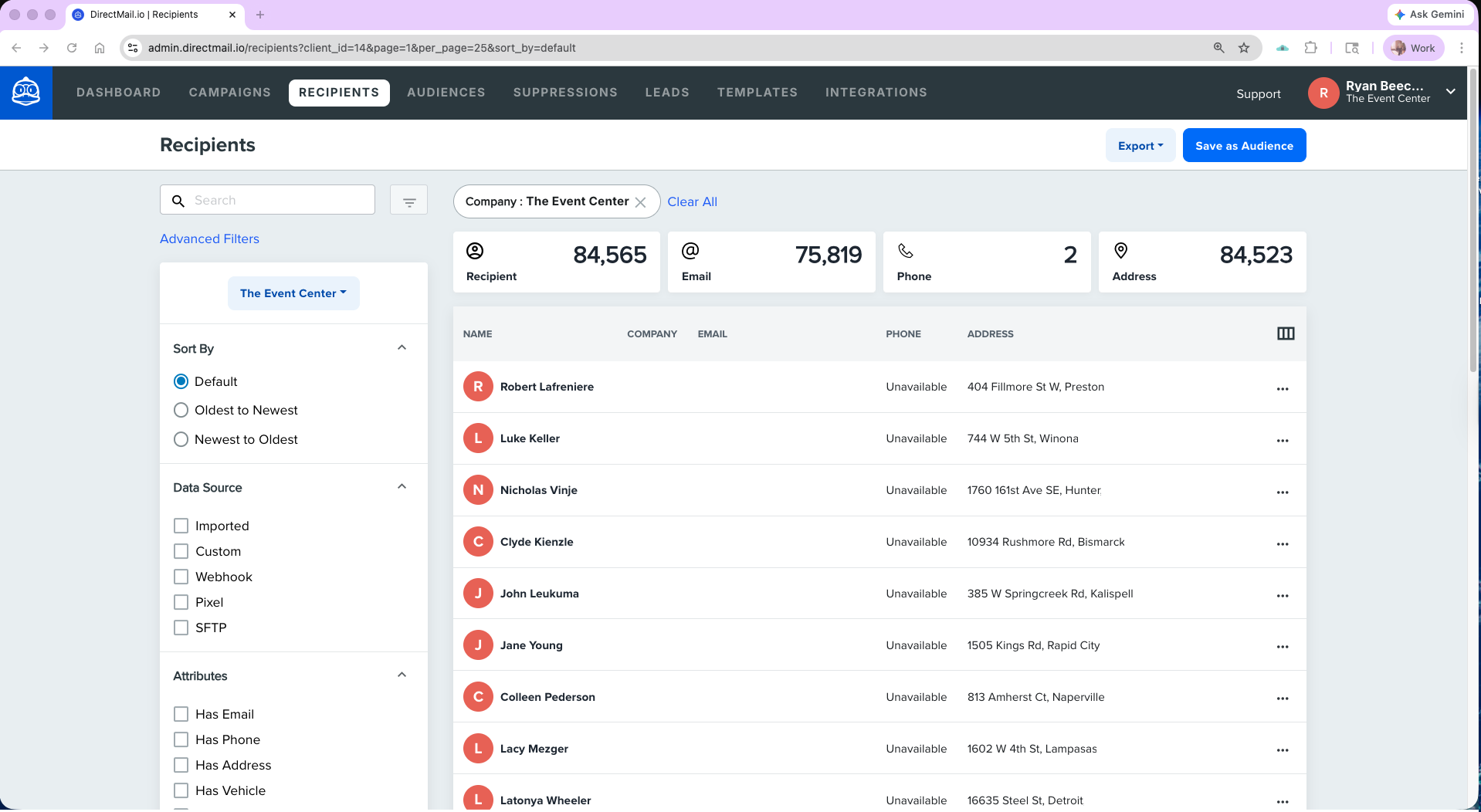
DirectMail.io runs under your brand end-to-end. Sub-accounts for each client, your agency logo, your custom domain. Clients log in to your portal — not ours.
Your logo, your colors, your domain. Clients log into your brand, not ours.
Each client gets their own workspace. Usage, lists, and reporting stay separated.
Run the platform on clients.youragency.com. DirectMail.io never appears.
Agency admins, account managers, and client users — each with the right scope.
PDF, email, and dashboard reports go out under your agency brand.
Buy wholesale, resell at your margin. The platform stays invisible to the client.
Your agency. Your call. Connect your existing print partner, plug into the DirectMail.io national network, or skip printing altogether and run only the data, postal, omni-channel, and attribution features. The platform doesn’t lock you into a production model.
Already have a print partner you trust? Connect them in. Their press, their pricing, your agency’s workflow. The platform handles list, design, postal, and attribution the same way regardless of where the job prints.
Don’t have a print partner, or want to switch? Pick from the DirectMail.io national network of vetted commercial printers. We handle the introduction and the onboarding.
Some agencies use the platform purely for data hygiene, postal automation, omni-channel orchestration, and attribution — and run print elsewhere or not at all. That works too. Use as much or as little of the stack as fits your workflow.
Whichever path you choose, the campaign runs the same way in the platform: same dashboards, same automation, same attribution. Switching production approaches later doesn’t change the workflow, the data, or the client experience.
One campaign, every channel, one client list. Mail is the anchor; email, SMS, social, and retargeting wrap around it — same triggers, same dashboard, same attribution. Set it up once per client; the platform runs the sequence on every drop after that.
The same client mailing list pushed to Meta and display retargeting. The audience sees the brand before the mail piece arrives.
Meta · Display · RetargetingThe real USPS scan event triggers email and SMS. Inbox, text, and mailbox co-land the same day — a sequence digital-only stacks cannot replicate.
USPS scan → Email · SMSUSPS emails recipients a digest with a grayscale image of the mail piece arriving that day. 63.9% open rate. Native USPS channel, no opt-in needed.
USPS · Email previewInformed Visibility confirms delivery per piece in the dashboard. Dynamic QR scans, landing-page hits, and call tracking flow in live.
Mail · QR · DashboardSMS to consented recipients, retargeting to non-responders, identity-resolution mail to anonymous web visitors. Same list, same platform, attribution per client.
SMS · Meta · IDR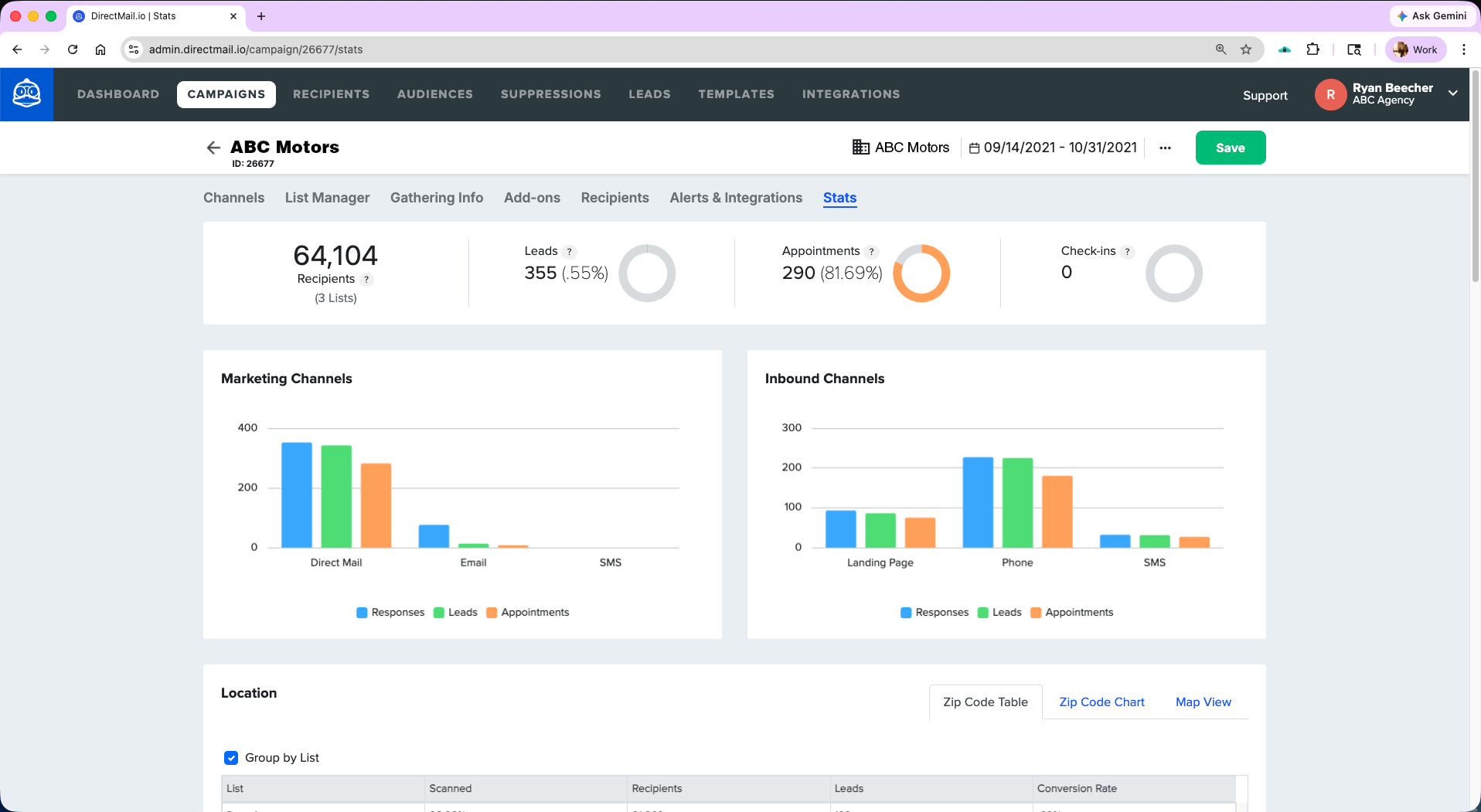
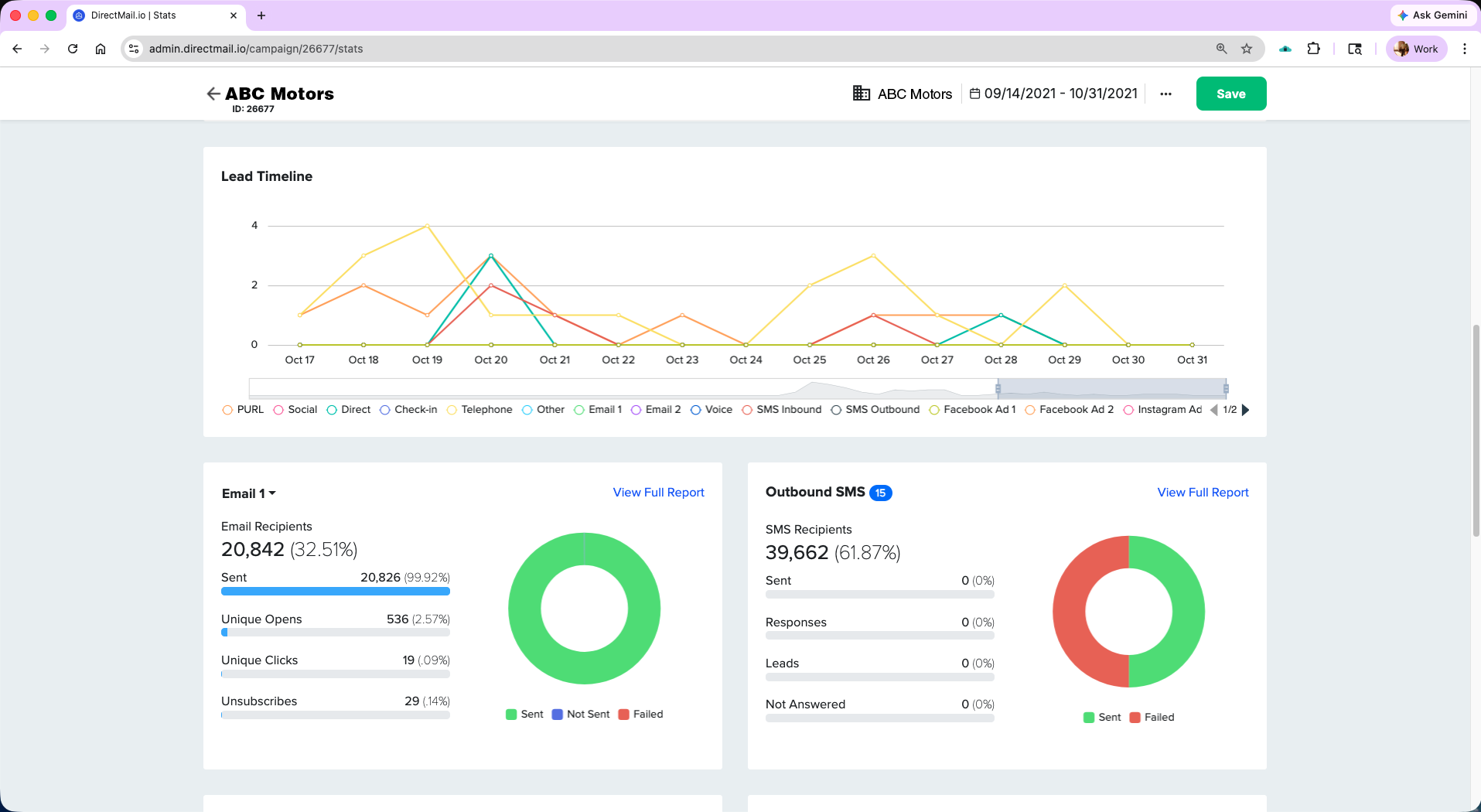
Templates across every vertical — mail, email, landing page, SMS, and trigger sequences all bundled. Start from a proven play, drop in the client’s data, launch the same day. No more quoting custom builds from scratch.
Every major vertical. Clone, brand, and launch — no custom build required.
Mail + email + SMS + landing page + follow-up sequence as one unit.
New-mover, birthday, USPS scan, and drip flows prebuilt and ready.
Mail piece, landing page, and email — one editor experience across all three.
Set your client brand once. Every template renders in their colors and logo.
Start from any template. Point at the list. Launch same-day.
Set up once per client. Runs automatically on their calendar. USPS scan triggers, new-mover triggers, birthday/event triggers, drip sequences, and anonymous visitor identity resolution — all native.
Email or SMS fired on the real USPS last-scan event.
Fresh new-mover data, auto-targeted drops on a recurring schedule.
CRM-driven sends for anniversaries, purchase dates, and lifecycle events.
Coordinated across mail, email, SMS, and social. Set once, runs automatically.
Pixel identifies high-intent web visitors and triggers direct mail to them.
The three reasons agencies switch to DirectMail.io and stop looking.
One login replaces ten. Pre-built templates replace custom quotes. One campaign setup serves every channel, every client.
10 → 1 tools replacedReseller pricing keeps the margin with your agency. No integration costs to maintain. No cross-platform debugging eats your team's hours.
Margin stays yoursOmni-channel results clients cannot get elsewhere. Attribution they can show their boss. Better results = longer retention.
Retention by performanceThe short versions. For anything specific to your client book, book a demo — we'll answer live.
DirectMail.io is a white-label direct mail platform built for agencies. Sub-accounts let each client log into a branded workspace, so the platform appears to be your agency's own software. Pre-built campaign templates across every vertical mean new client launches take hours, not weeks. The full postal stack (NCOA, CASS, presort, drop ship, commingle, Informed Delivery, Informed Visibility) plus omni-channel (email, SMS, Meta, dynamic QR, retargeting) and attribution are all native — no integrations to stitch together.
No. Clients never see DirectMail.io branding. You set your agency logo, colors, and domain once — every sub-account, dashboard, and report renders under your brand. Clients log in at clients.youragency.com (or any subdomain you set). Emails, PDFs, and embedded widgets also carry your agency name.
Every client gets their own isolated workspace inside your agency account. Lists, campaigns, branding, and reporting stay separate per client. You get an agency-wide dashboard to manage all clients and move resources between them. Role-based access lets you invite client users with scoped permissions (view-only, approval-only, full editor, etc.).
The Reseller plan is DirectMail.io's agency plan. It includes unlimited sub-accounts, white-label branding, custom domain support, pre-built campaign templates, the full omni-channel and postal stack, automation triggers, and attribution. Pricing is wholesale based on volume, so you keep the margin when you resell to clients. Book a demo for exact pricing based on your client book and send volume.
DirectMail.io ships with campaign templates across every major vertical — real estate, home services, healthcare, automotive, financial services, franchise, and more. Each template includes the mail piece, matching email, landing page, SMS copy, and a trigger sequence. You clone a template, apply the client's branding preset, point it at their list, and launch same-day.
Yes. DirectMail.io integrates via SFTP, REST API, and webhooks (SOC 2 Type 2 certified). You can pipe campaign events into your CRM, sync leads back, trigger mail from CRM events, and export attribution data to whatever BI or analytics tool you already use. You do not have to replace anything — DirectMail.io replaces the ten direct-mail-specific platforms, not your agency stack.
Most new client launches happen in days, not weeks. Onboarding a new agency typically takes a week to set up branding, custom domain, and initial templates. Onboarding a new client under an existing agency account takes hours — clone a template, set the client brand preset, upload or connect the list, and launch.
You choose. Bring your own print partner and connect them into the platform — their press, their pricing, your agency's workflow. Or pick from the DirectMail.io national network of vetted commercial printers if you don't have a partner or want to switch. Or skip printing in the platform entirely and use only the data hygiene, postal automation, omni-channel orchestration, and attribution features. Whichever path you pick, the workflow inside the platform is identical, and switching later doesn't change the data, the dashboards, or your client experience.
Yes. The network routes a single campaign to multiple printers based on the geographic distribution of the recipient list, so a campaign for a national client can print in five or ten cities simultaneously without the agency managing five or ten separate vendor relationships. One dashboard, one set of attribution data, one set of approvals.
Bring a client campaign you’d run. We’ll show you how it looks branded, templated, and set up for recurring sends.